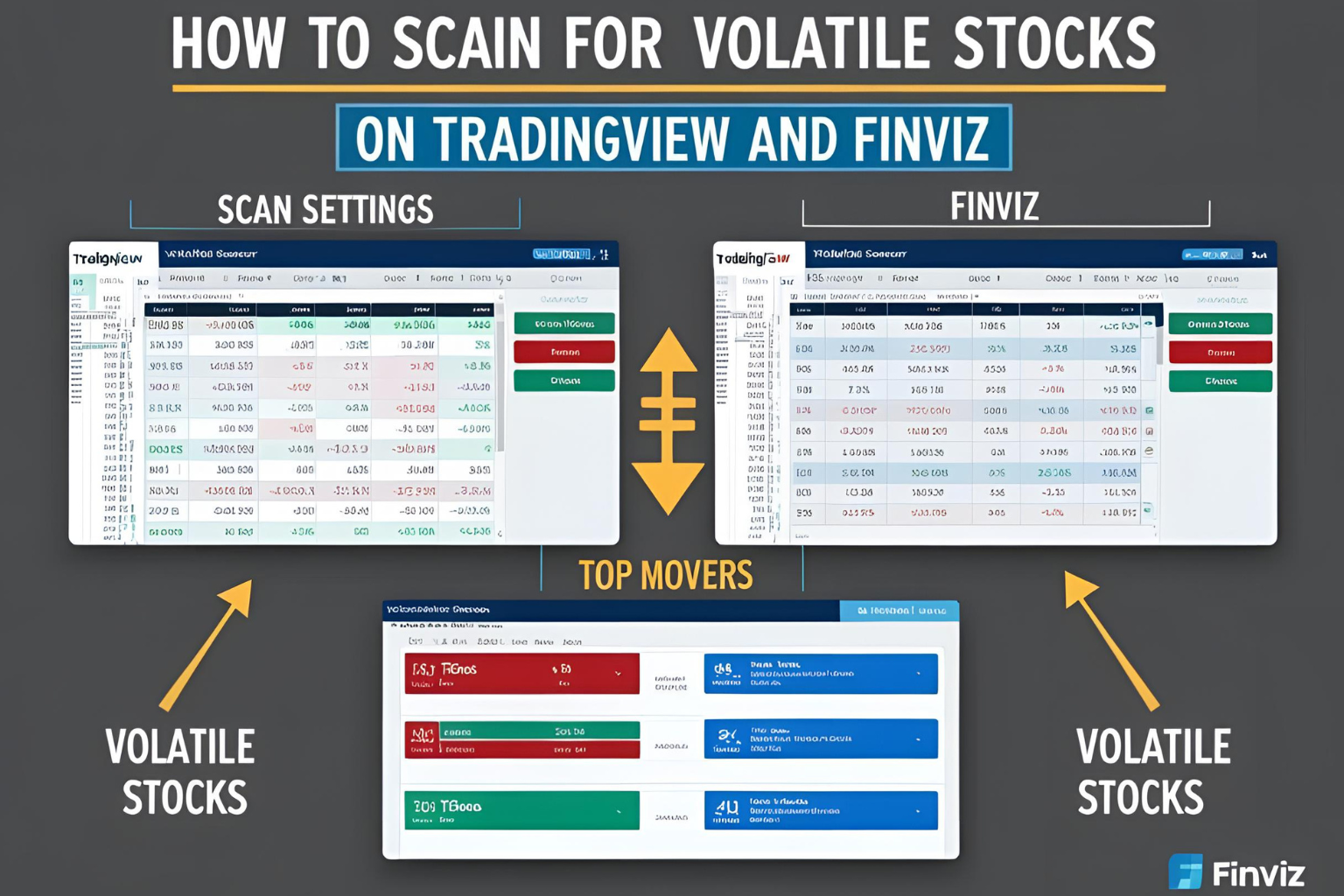
How to Scan for Volatile Stocks on TradingView and Finviz
Finding high-volatility stocks before the market opens can give traders a major edge. With the right stock scanners, you can filter for stocks making big moves in price and volume. Two of the best platforms for this task are TradingView and Finviz.
In this guide, we’ll show you how to scan for volatile stocks using TradingView and Finviz, step by step, whether you’re a day trader or swing trader.
Why Scan for Volatile Stocks?
Volatile stocks move more in price—creating more trading opportunities. Scanning helps you:
- Identify stocks with large price ranges
- Spot unusual volume
- Find pre-market movers and momentum setups
Part 1: How to Scan for Volatile Stocks on TradingView
Step 1: Open the Stock Screener
- Log in to your TradingView account
- At the bottom panel, click on “Stock Screener”
Step 2: Choose Your Market
- Under Exchange, select NASDAQ, NYSE, or AMEX
- You can also filter by region (e.g., U.S.)
Step 3: Apply Volatility Filters
Use the following key filters:
- Price Change (%) → Set to > 3% or > 5% for strong movers
- Volume → Set to greater than 500,000 or 1,000,000
- Average True Range (ATR) → Add as a custom column to compare volatility
- Volatility (1 Week or 1 Month) → Use this to rank the most volatile stocks over time
Optional:
- Add Relative Volume column to spot spikes in activity
- Save your screener layout for daily scans
Step 4: Sort and Analyze
- Sort by % change, volatility, or volume
- Click tickers to load charts instantly with indicators like VWAP or Bollinger Bands
Part 2: How to Scan for Volatile Stocks on Finviz
Step 1: Go to the Screener Tab
- Visit Finviz.com
- Click on “Screener” in the top menu
Step 2: Set Key Filters
Use these core filters under “Descriptive” and “Technical” tabs:
- Average Volume: Over 500k or 1M
- Price: Over $2 (to avoid low-liquidity penny stocks)
- Relative Volume: Over 1.5
- Current Volume: Over 1M (optional for intraday scans)
- Price Change: +5% or more (under “Performance”)
- ATR: Use custom indicators if you’re on Finviz Elite
Step 3: Sort Results
- Use the “Charts” view to spot wide-range candles
- Sort by Change (%), Volume, or Relative Volume
- Click to open stock detail pages with news, fundamentals, and performance charts
Bonus Tip: Combine Both Platforms
- Use Finviz to generate a daily list of volatile stocks
- Use TradingView to analyze chart structure and set up trades with live data
- Create watchlists in TradingView for morning prep and trade planning
When to Scan
| Time | What to Look For |
|---|---|
| Pre-market | Gappers with news or high volume |
| Market open | High volume breakouts or reversals |
| Midday | Continuation setups from earlier scans |
| End of day | Stocks that moved big during the day |
FAQs
Which is better for scanning, TradingView or Finviz?
Both have strengths. Finviz is great for fast screening, while TradingView excels at chart analysis and real-time strategy testing.
Do I need a paid plan to scan?
Finviz’s basic screener is free. TradingView offers a free plan, but real-time data and custom filters require a Pro subscription.
Can I scan for options volatility too?
Not directly on Finviz. Use Market Chameleon or Benzinga Pro for implied volatility filtering.
What’s the best filter for day traders?
Use % change, volume, and relative volume to find fast movers during the day.
How many stocks should I scan each day?
Focus on the top 10–20 volatile stocks that meet your criteria. Quality over quantity matters most.


